New
Print a whole class for leaders or paper use
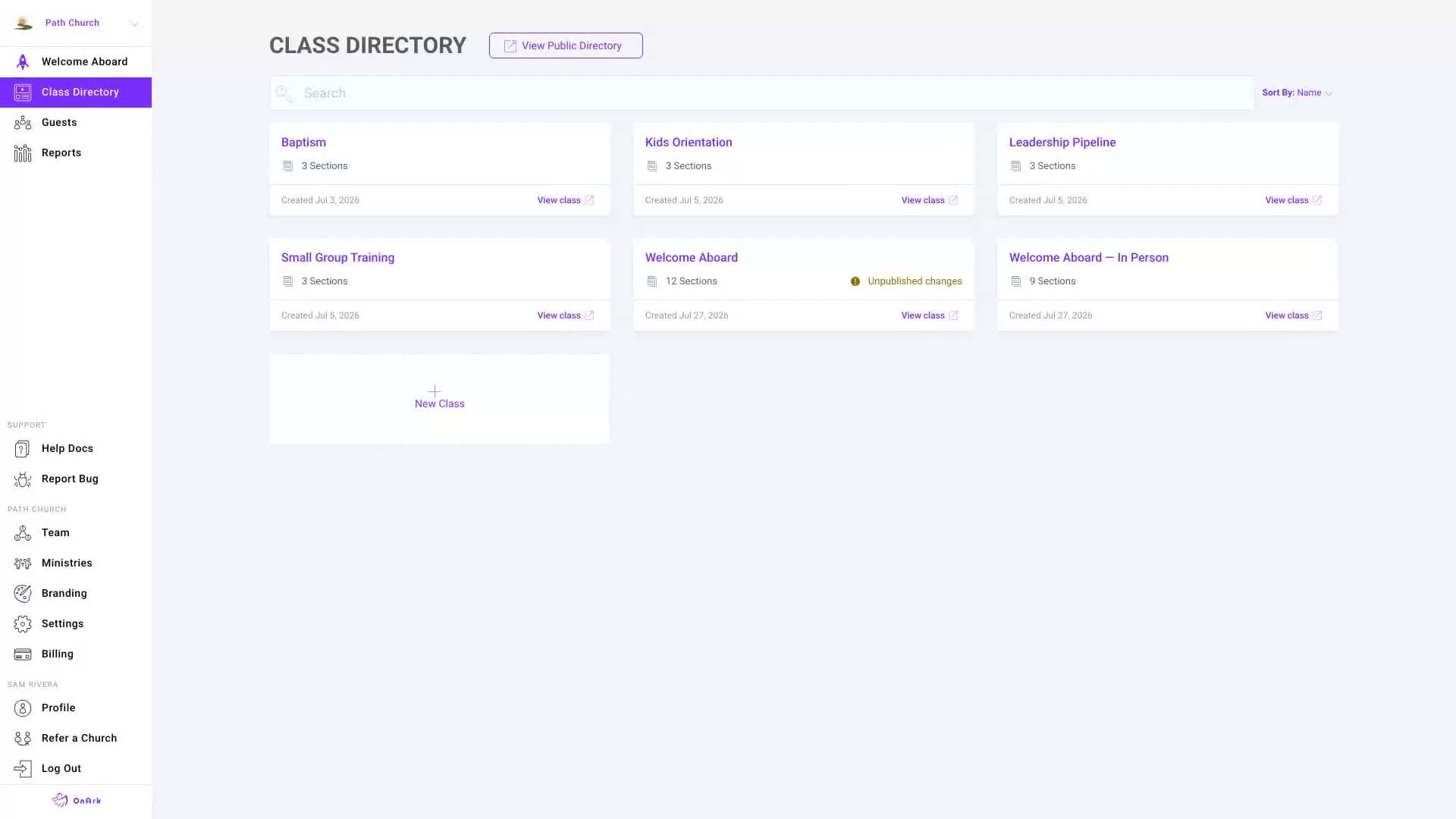
Open a class in the builder and click Print class in the left sidebar. A printable page lists every section in the order the builder shows them, with each section's text, the questions on a form (required ones marked) and their choices, a video's title, link and the prompts it shows while it plays, which assessment a Test section runs, the choices on a branch with the sections on each path, and a completion section's button and the classes it links to. It prints the class as it is in the builder, unpublished changes included.
Click Print, or choose Save as PDF in the print window, to keep a copy. The admin menu and buttons stay off the printout.