Your church's brand, not ours.
Logo, colors, fonts, copy, URL — every visible thing is yours. OnArk's brand stays out of the way.
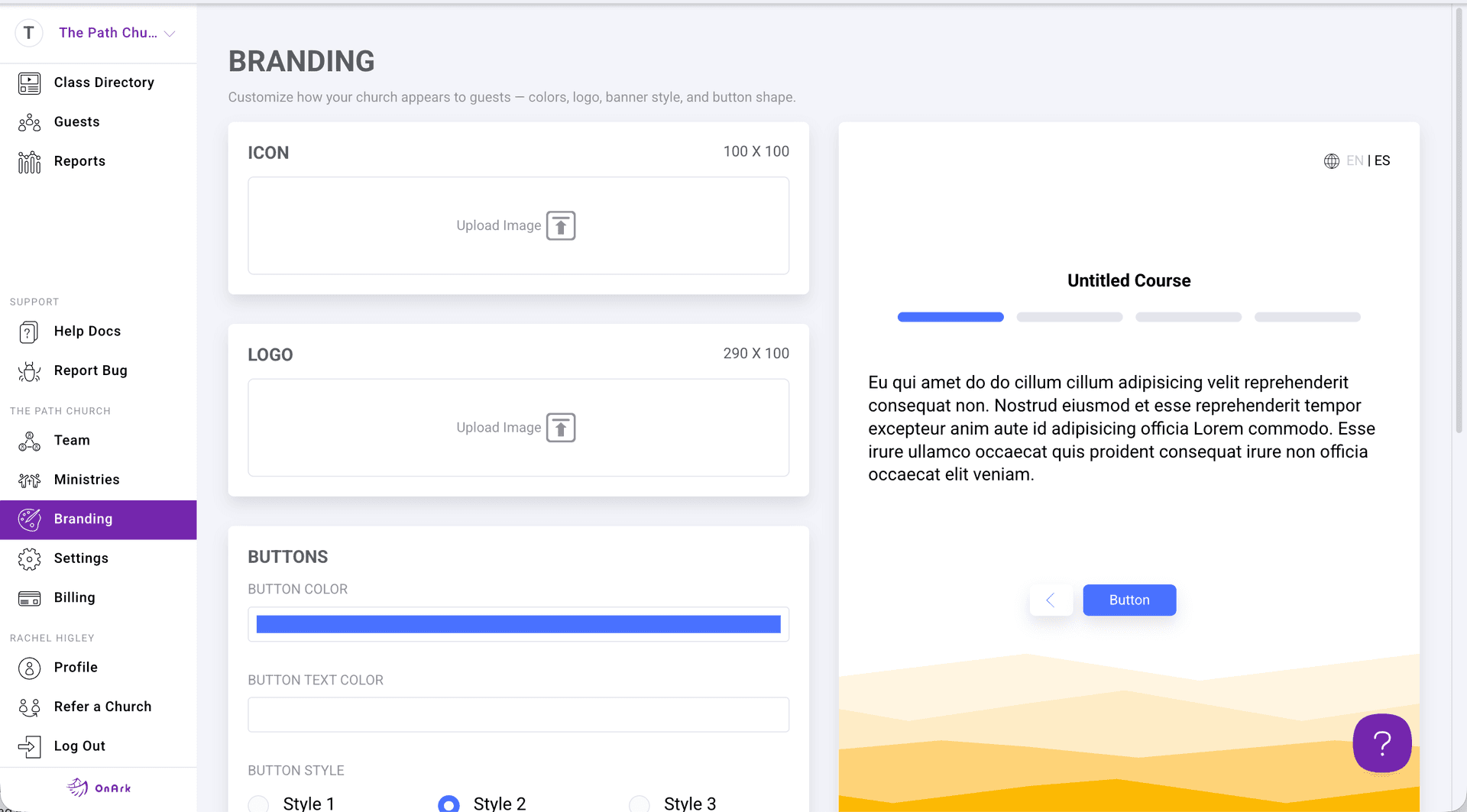
The OnArk admin — captured from a real church account.
A growth track is one of the most personal things a church does. Putting it on a generic SaaS interface signals to guests "this isn't really us." OnArk is built to disappear behind your brand: upload your logo, set your primary color, pick your font from Google Fonts, and customize the copy on every screen a guest sees.
URLs work the same way. Classes live at onark.app/your-church-slug/class-slug — clean, shareable, and consistent for every church.
Multi-campus churches get a campus-level layer on top: each campus can have its own logo and brand color, and the campus selector at check-in lets guests self-identify so their record syncs to the right Planning Center campus.
- Custom logo, brand colors, fonts
- Per-class URL customization
- Hide classes from public directory
- Edit copy on every screen guests see
- Campus-specific branding for multisite churches
Included on every plan.
“In just a couple months we added more new volunteers and members than we had all last year without OnArk.”
Johnny · Lead Pastor · Discover Church · 100–250 weekly
Drop in videos guests actually watch.
YouTube, Vimeo, or a direct video link. Add timestamp-based question prompts that appear inline as the video plays — guests answer without pausing, answers feed into Planning Center automatically.
03 · FormsForms that branch like a real conversation.
Eleven input types covering everything from short text and dropdowns to file uploads and team-suggestion components. Required-field validation, branch logic on any answer, full PCO field mapping.
Try customizations in your first class.
Build free for 21 days. Every feature unlocked, on every plan. $0 today — cancel before day 21 and you’re never charged.